Important Notice
Deleting your account is permanent and cannot be undone. All your workout data, programs, progress, and account information will be permanently deleted within 30 days. Please make sure to export your data before proceeding if you want to keep a copy.
Step-by-Step Guide
Follow these simple steps to delete your GymFroog account
Open the GymFroog App
Launch the GymFroog app on your mobile device. Make sure you're logged into the account you want to delete.
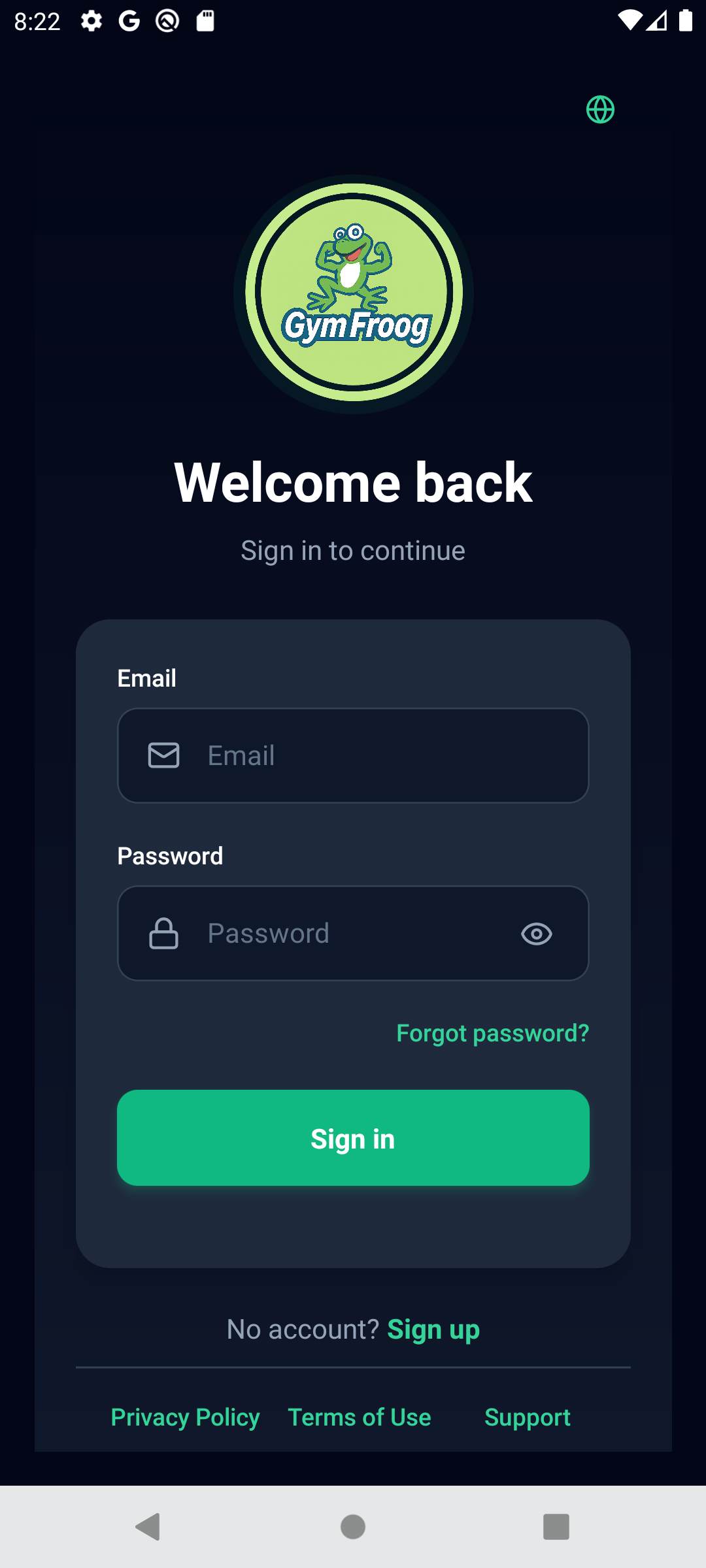
App Home Screen
Navigate to Your Profile
From the home page, tap on your profile icon or avatar located at the top of the screen. This will open your profile page.
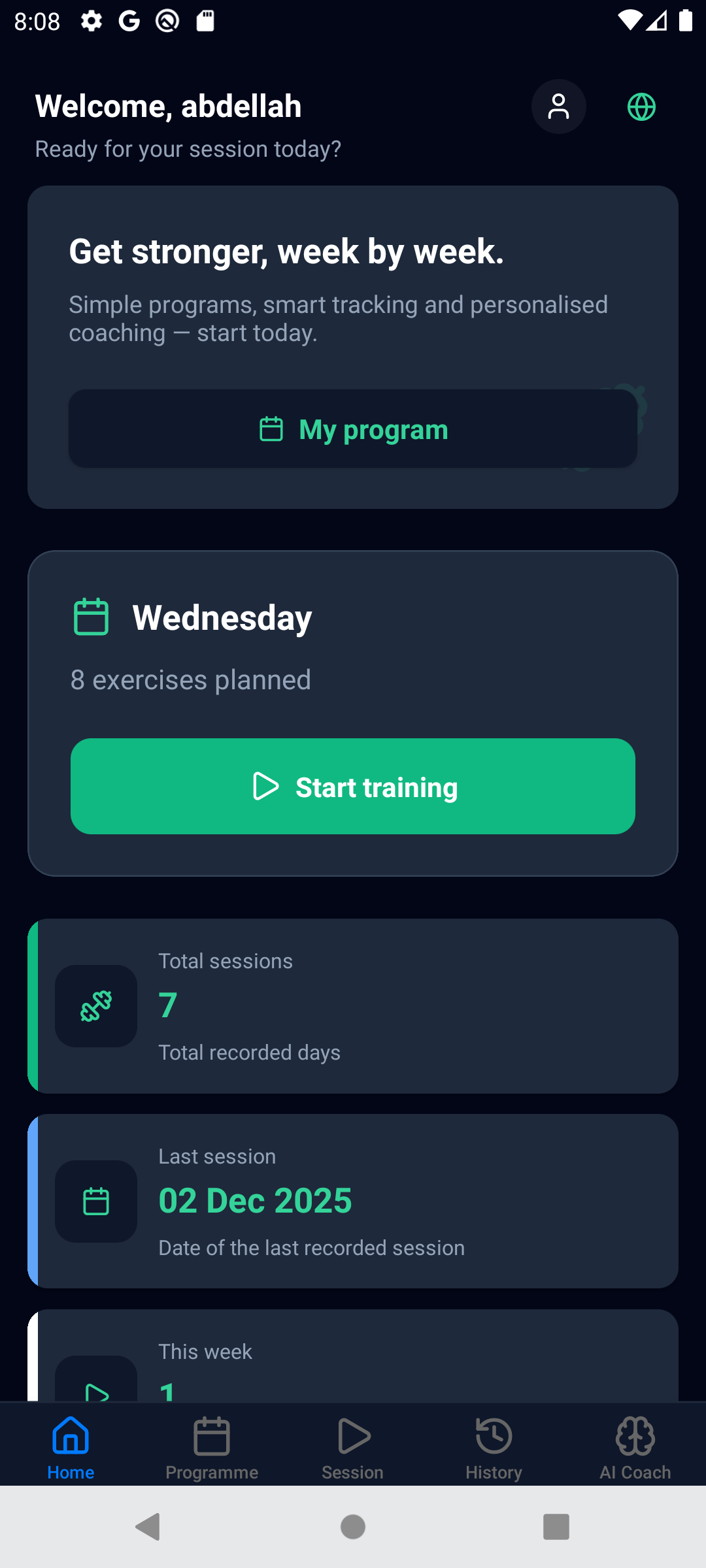
Profile Icon Location (Top of Home Page)
Find Delete Account Option
In the Privacy Settings, scroll down to the bottom of the page. You will see a "Delete Account" button, usually displayed in red text. Tap on this button.
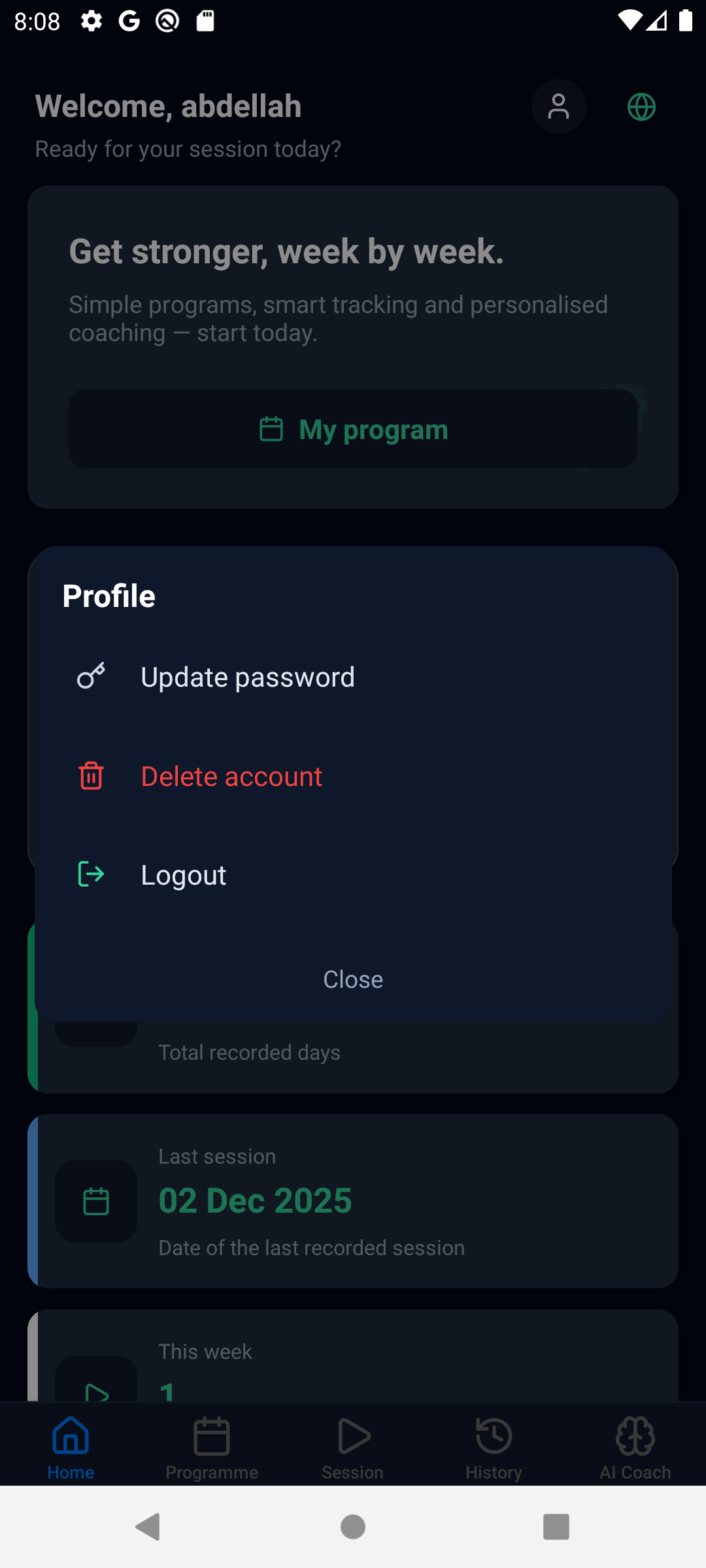
Delete Account Button (at bottom of Privacy Settings)
Confirm Account Deletion
A popup will appear asking you to confirm the deletion. Read the warning message carefully. You may need to:
- Enter your password to verify it's you
- Type "DELETE" or "CONFIRM" to confirm
- Select a reason for deletion (optional)
Once you confirm, your account will be scheduled for deletion.
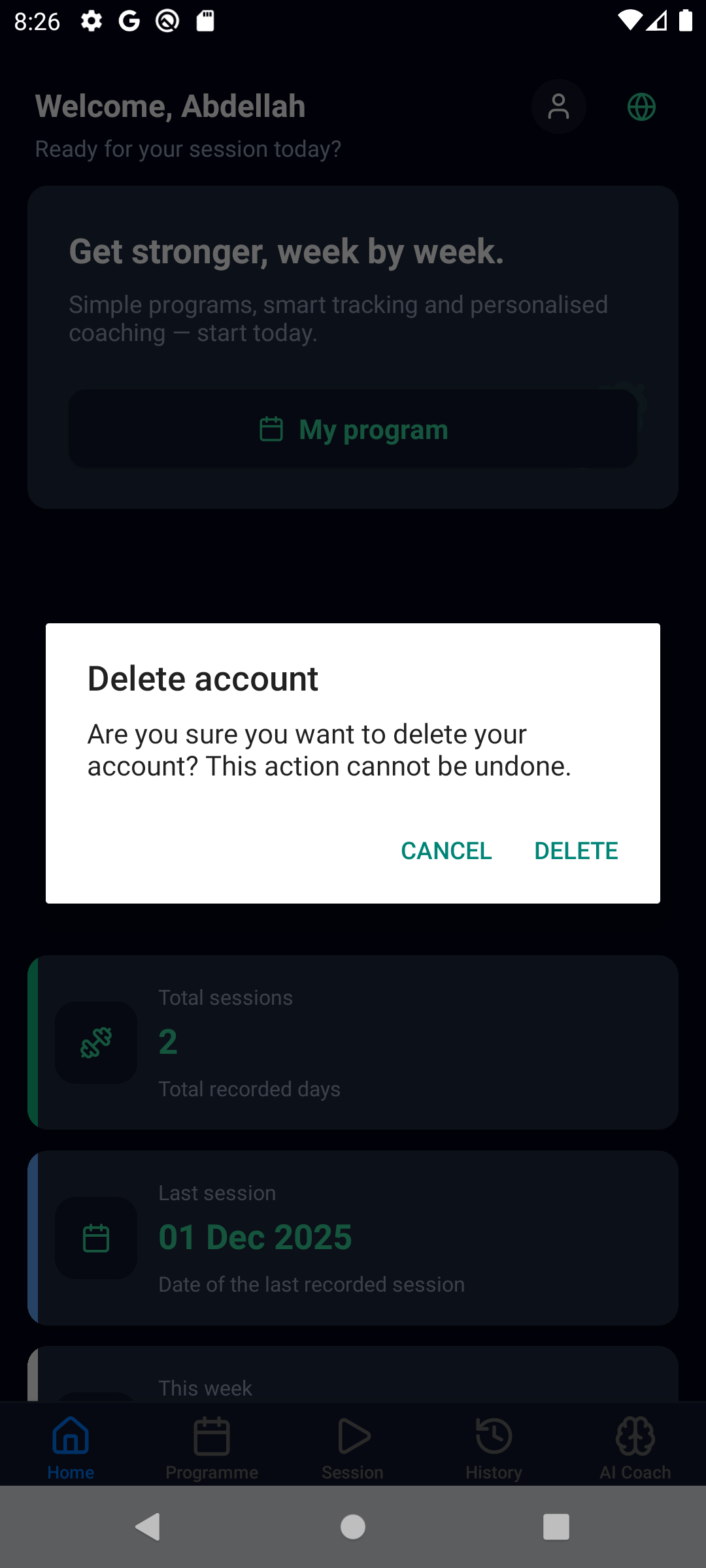
Confirmation Popup
What Happens After Deletion?
- Immediate Effect: You will be logged out immediately and cannot log back in
- Data Retention: Your data will be kept for 30 days in our backup systems
- Permanent Deletion: After 30 days, all your data will be permanently deleted
- Account Recovery: During the 30-day period, you can contact us to recover your account
What Data Gets Deleted
When you delete your account, the following information will be permanently removed:
- Account Information
- Workout History
- Training Programs
- Progress Metrics
- Custom Exercises
- Personal Records
- Body Measurements
- Profile Settings
Need Help or Changed Your Mind?
If you're having issues with the app or want to provide feedback instead of deleting your account, we'd love to hear from you.